TSD Beam Rebar DXF (POC)
This page documents the Proof of Concept (POC) for TSD Beam Rebar. This was the starting approach, and at first we expected the DXF-driven mapping workflow to be the solution; however, it proved insufficiently reliable for production, so development moved to an API-based integration approach.
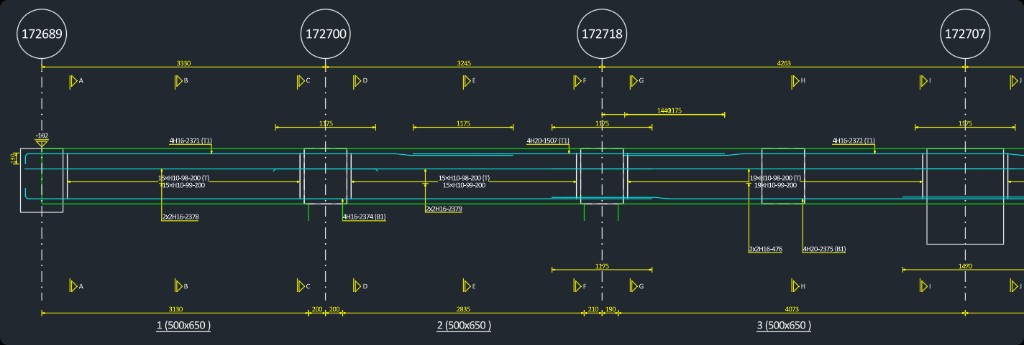
Figure 1.1: Example DXF source used as the mapping reference
POC Overview
- The POC reads a Tekla/TSD beam rebar DXF export and displays it in the top preview canvas.
- The user then selects corresponding Revit beam(s), and the tool generates a mapped rebar preview in the bottom canvas.
- Rebar groups (Top, Side, Bottom, Stirrups) can be toggled so users can review exactly what will be created.
- When the user clicks Add Rebar, the selected highlighted rebar is created in Revit.
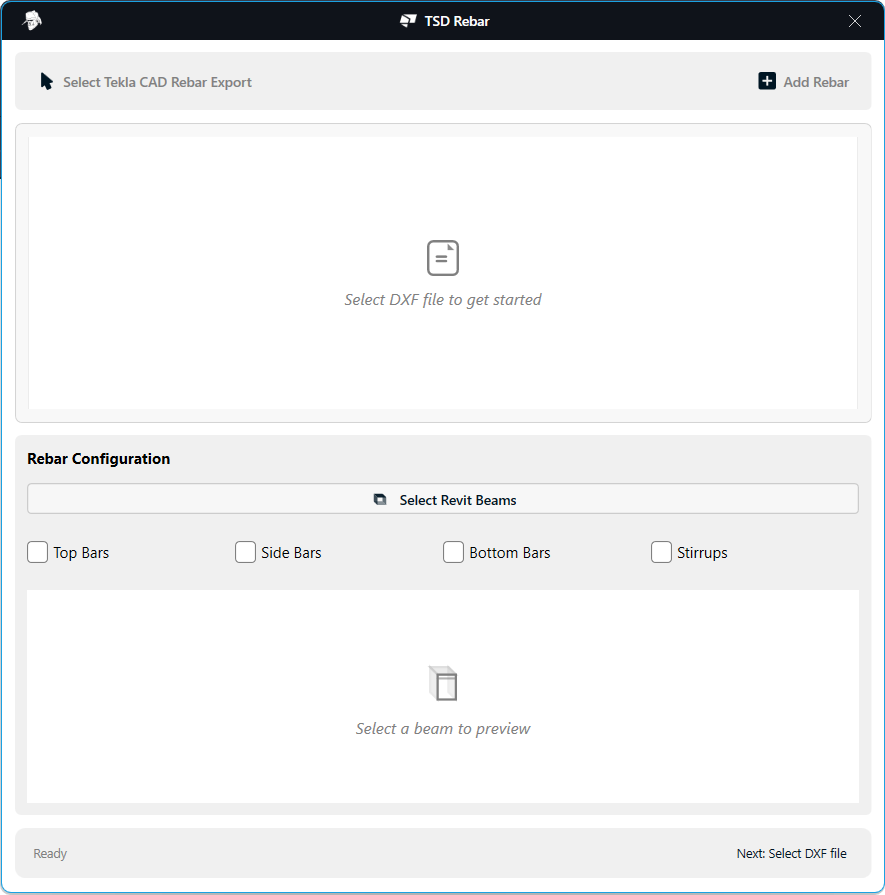
Figure 1.2: Initial POC interface before loading a DXF file
How it works
- Select DXF file exported from TSD/Tekla beam detailing.
- Preview loaded DXF in the top canvas with span/grid references.
- Select Revit beam(s) to map against the imported TSD beam definition.
- Filter rebar groups (Top Bars, Middle Bars, Bottom Bars, Stirrup) to validate intended placement.
- Review bottom preview showing mapped bars to be created in Revit.
- Create rebar by clicking Add Rebar for the currently selected/highlighted groups.
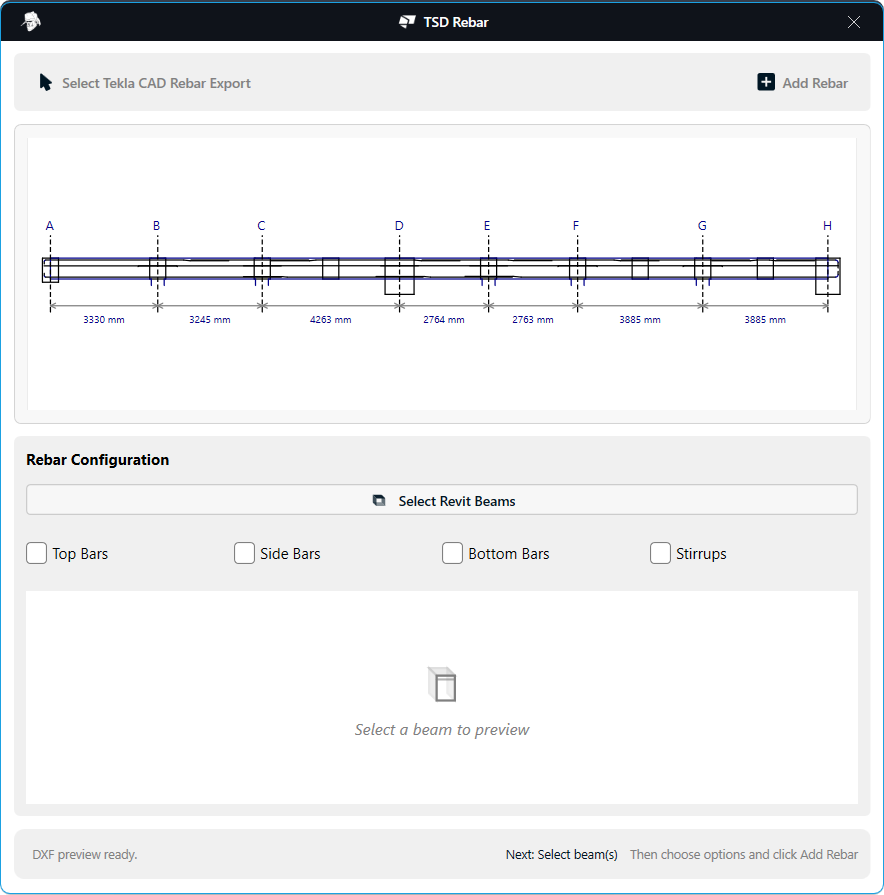
Figure 1.3: DXF loaded and visualized in the top preview canvas
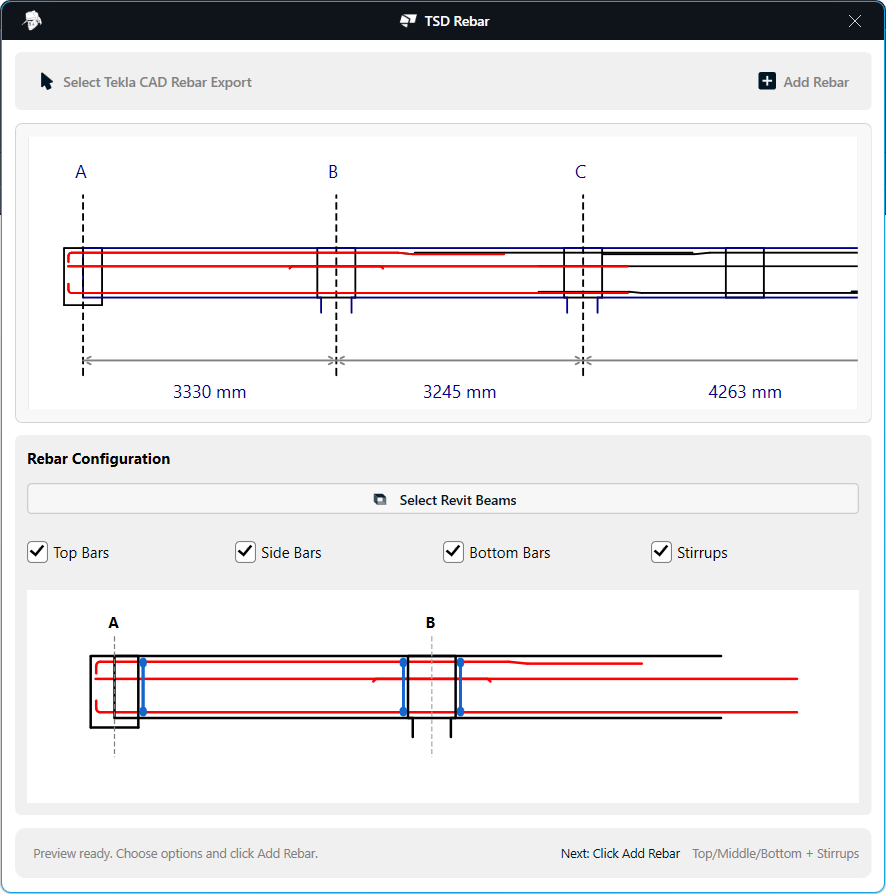
Figure 1.4: Rebar filters and mapped preview before creating rebar
After creation, the resulting reinforcement can be reviewed directly in Revit 3D to verify that mapped bars are placed as expected.
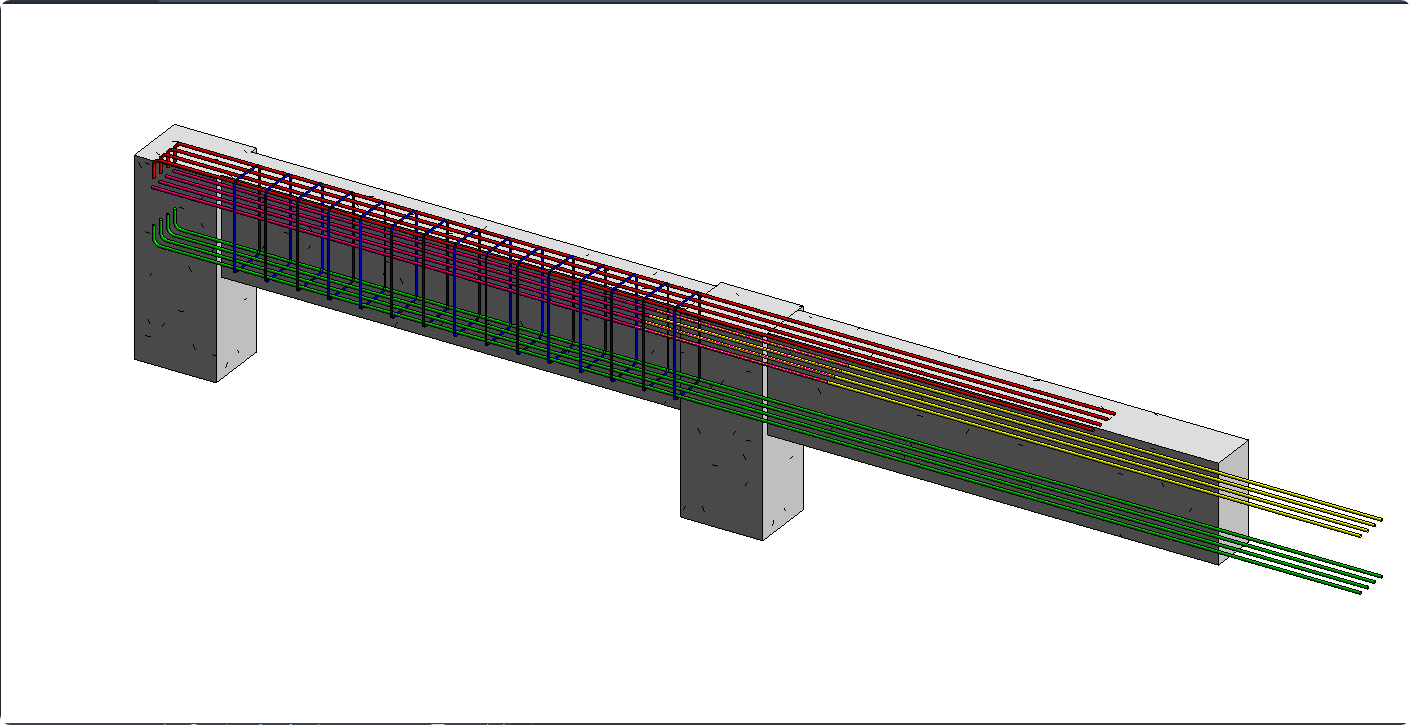
Figure 1.5: 3D view of rebar created from mapped TSD data
Key challenges identified in the POC
- Rebar label parsing complexity: Interpreting label text to reliably identify bar type/shape, quantity, and intent required significant parsing logic and validation rules. Different design codes (regional standards and notation conventions) add further complexity, because label formats and implied meaning are not uniform across codes or project settings.
- Coordinate mapping reliability: Mapping TSD beam coordinates to Revit beam geometry depended on exact alignment of gridlines, span segmentation, and beam positions. This works for controlled inputs but can be sensitive to model/export variation.
- DXF export dependency: Requiring a DXF export introduces an extra manual step and creates another potential source of inconsistency between structural detailing and BIM authoring workflows.
Video Demonstration
Watch the video below to see the TSD Beam Rebar POC workflow:
Next steps
- Integrate with the TSD API directly to retrieve beam rebar and beam detailing data without requiring a DXF export step. Structured API access enables more accurate extraction of design intent than interpreting drawing labels, and reduces dependence on custom parsing logic tied to export geometry and text.